How to Create an Unboxing Experience Customers Want to Share
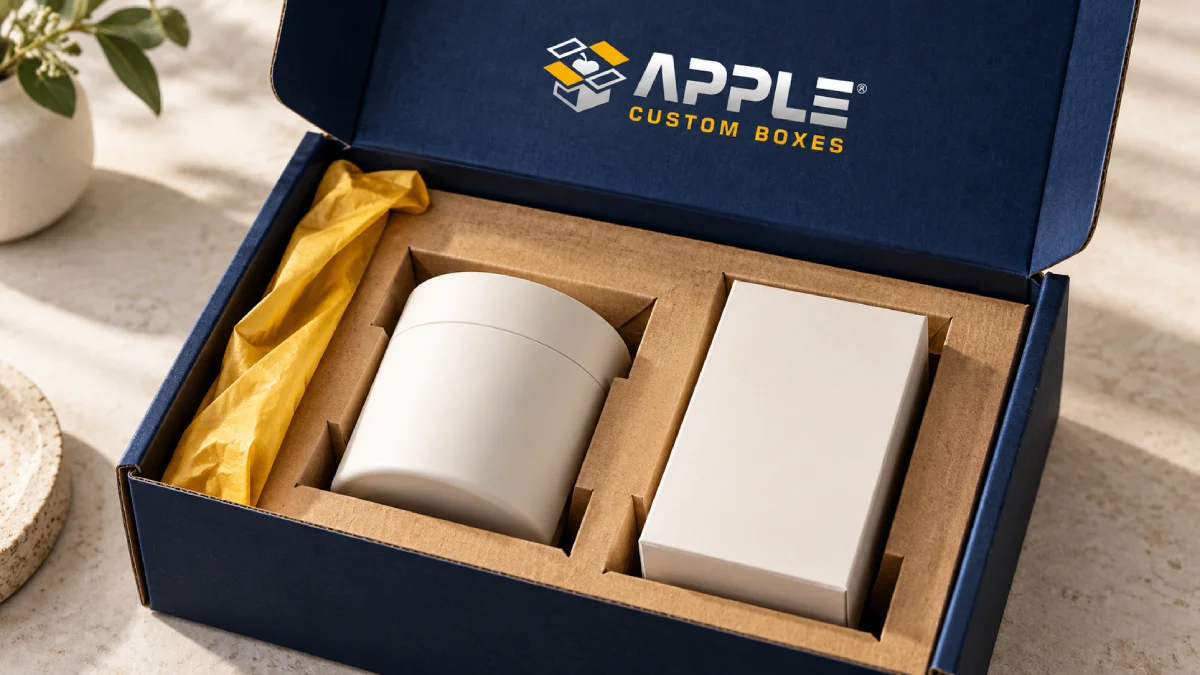
A shareable unboxing experience starts with a product that arrives safe, looks well presented, and is easy to unpack. Choose a box that fits, keep your branding clear, add one thoughtful detail, and let the product take center stage. Customers should enjoy opening it even if they never reach for their phone.
You do not need a pile of extras to get there. Each part should protect the order, help the customer, or make the reveal feel special. Here is how to plan it.
What is an unboxing experience?
An unboxing experience is what a customer sees, feels, and does as they open a package. It includes the outer box, how it opens, the wrapping, the product layout, and any cards or instructions inside.
The aim is a clear, pleasant journey from a sealed parcel to a product that is ready to use. A good-looking box can invite a photo, but no packaging design can promise shares or repeat sales.
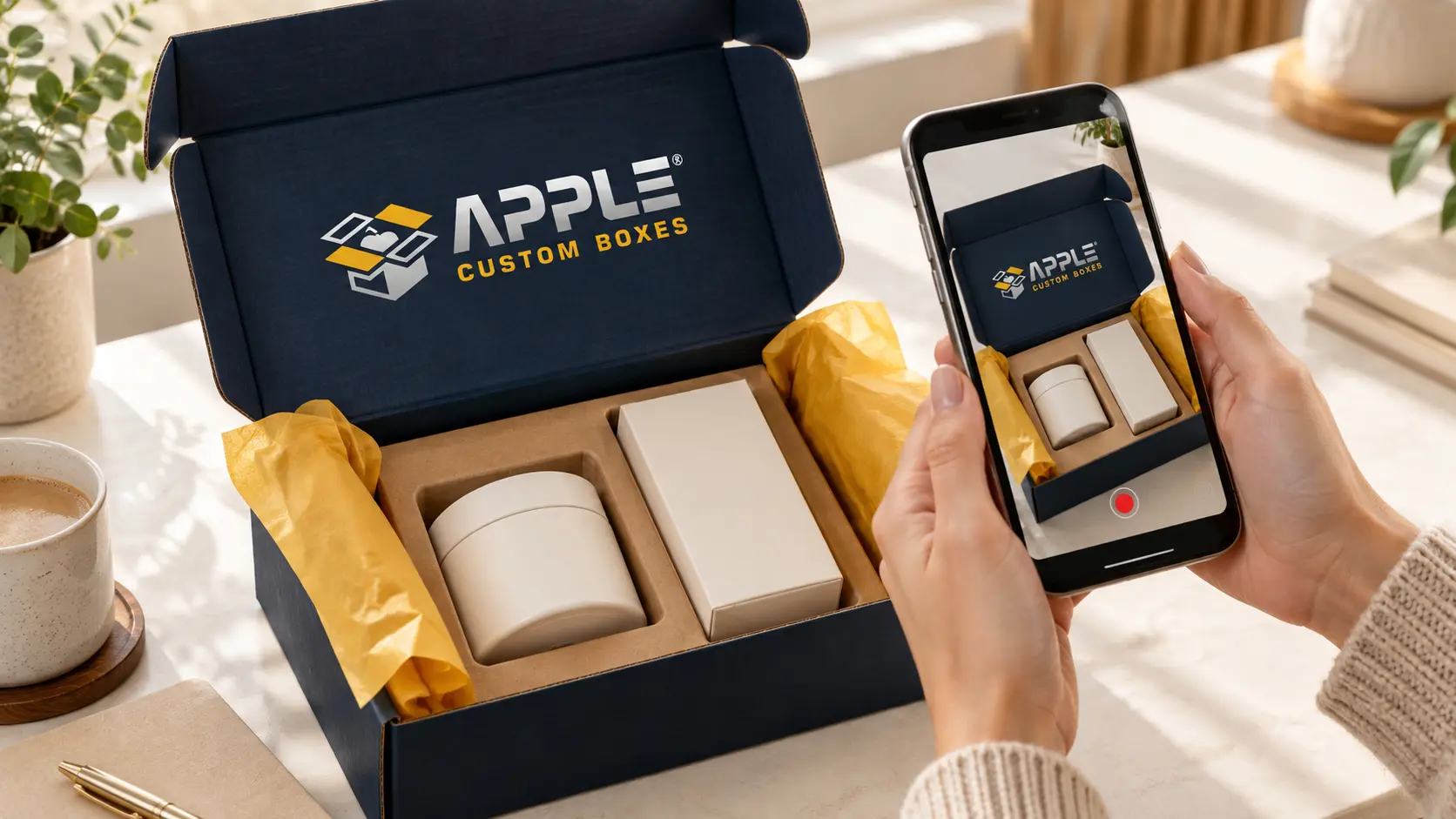
How to create an unboxing experience worth sharing
1. Decide what the customer should notice first
Choose one focal point before you design the box. It might be the product, a short welcome message, or a neat tissue wrap. A gift order may need a special reveal. A repeat order may benefit more from quick access and less waste.
Sketch the first view with the lid open. If cards, filler, and wrapping all compete for attention, remove one layer. The customer should not have to search for what they bought.
2. Start with fit and protection
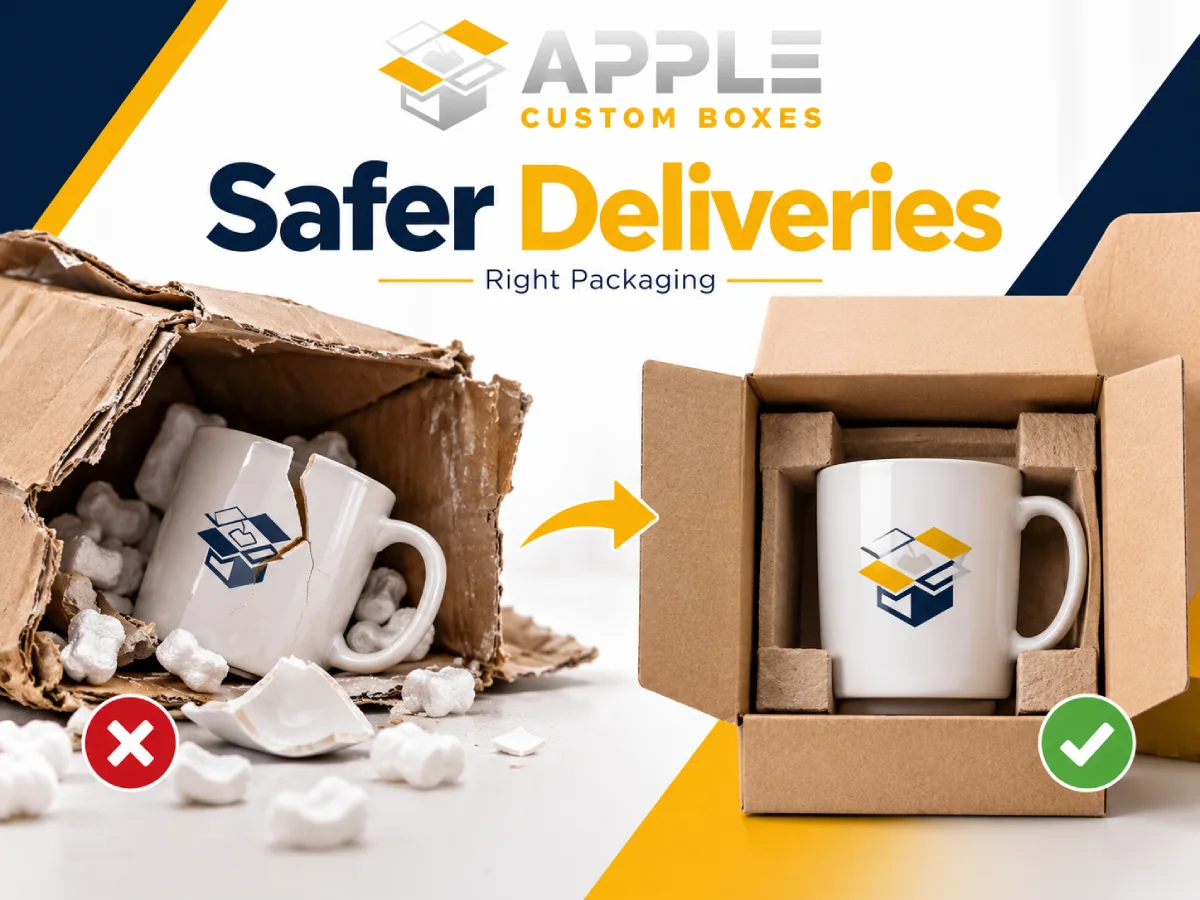
Measure the full order, including any retail cartons and packing materials. Leave the space needed for protection without making the box much larger than the contents. The USPS packing guide advises using strong packaging with enough cushioning to protect fragile items and stop them shifting.
A fitted insert or divider can keep a set in place and make it look tidy when the lid opens. It still needs to suit the product and shipping conditions. Tissue paper alone is not impact protection for a glass jar.
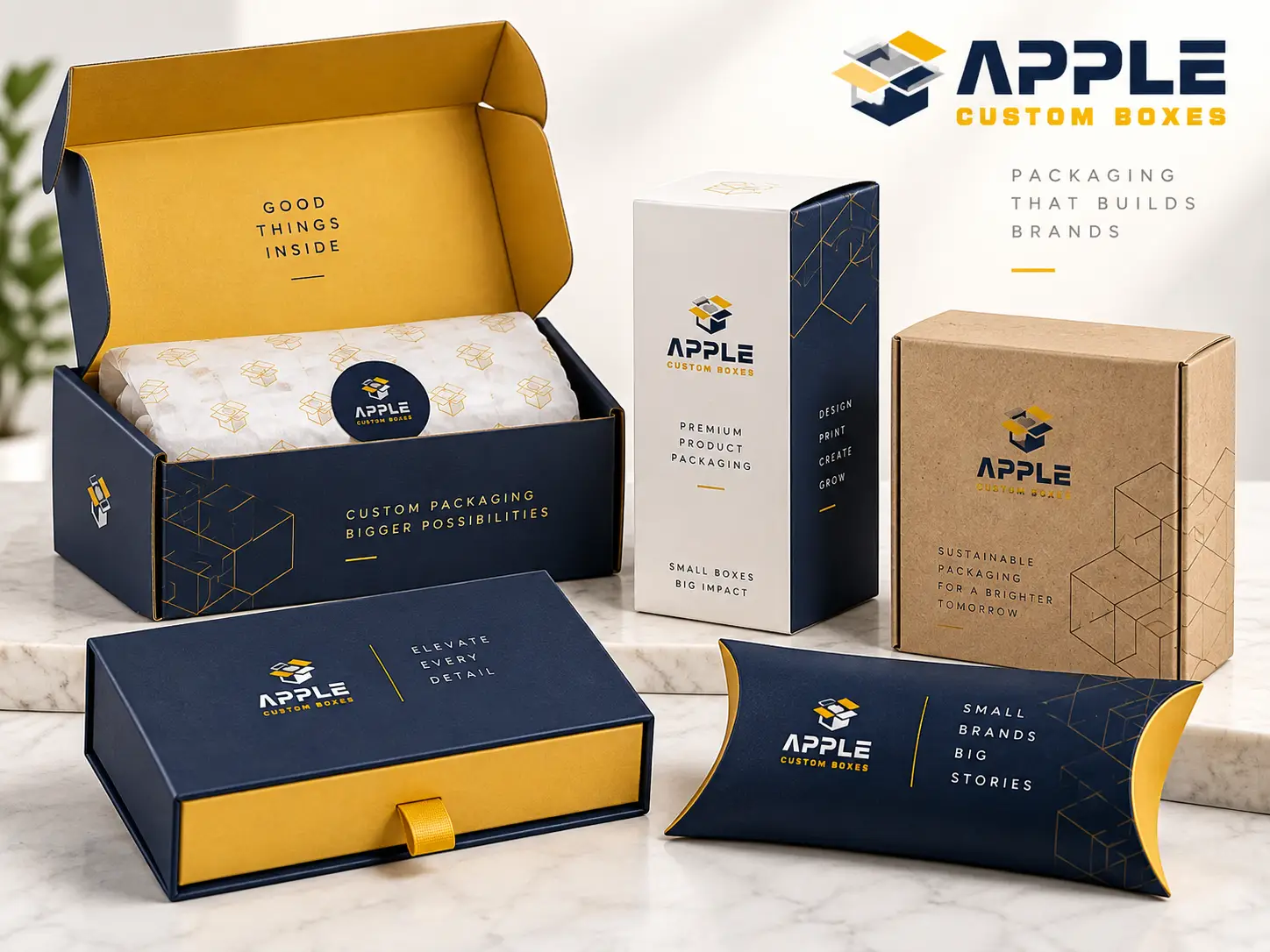
Explore custom mailer boxes for a branded opening format. For gift presentation, luxury rigid boxes are another option; assess whether the finished pack needs a separate shipping carton.
3. Make opening and repacking simple
Make the opening point easy to find. Avoid tiny tabs, tight knots, or layers of tape that force the customer to struggle. Where possible, choose a closure they can open without a sharp tool near the product.
Keep care and return information easy to reach. Test whether someone can remove the item, place it back, and close the box. This matters for gifts as well as returns.
4. Use a few clear brand details
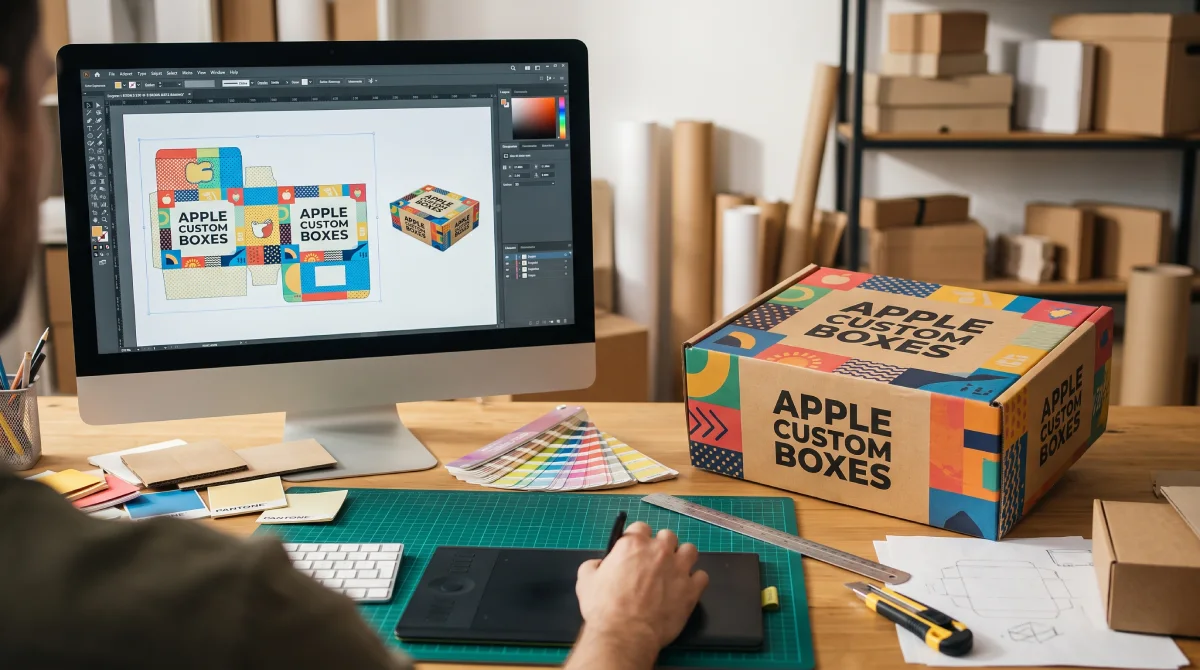
Use the same logo, colors, and tone that customers saw when they ordered. A clear logo on the lid and one accent color can be enough. For custom boxes with logo printing, check how the artwork looks at the actual box size, not just on a screen.
Keep small text away from folds. Check that the brand remains easy to read in a quick phone photo. A dark design may need a light logo; a busy pattern may need a plain area around it.
5. Build a clean product reveal
Arrange the contents so the main product is easy to see. Keep items facing the same way and secure them so the layout lasts through delivery. Fold tissue neatly instead of using it to fill a large empty box.
Choose the fewest layers that do the job well. A jar set may need an insert and a care card. A folded shirt may need one wrap and a seal. Creative packaging design should make the order easier to enjoy.
6. Add one useful personal touch
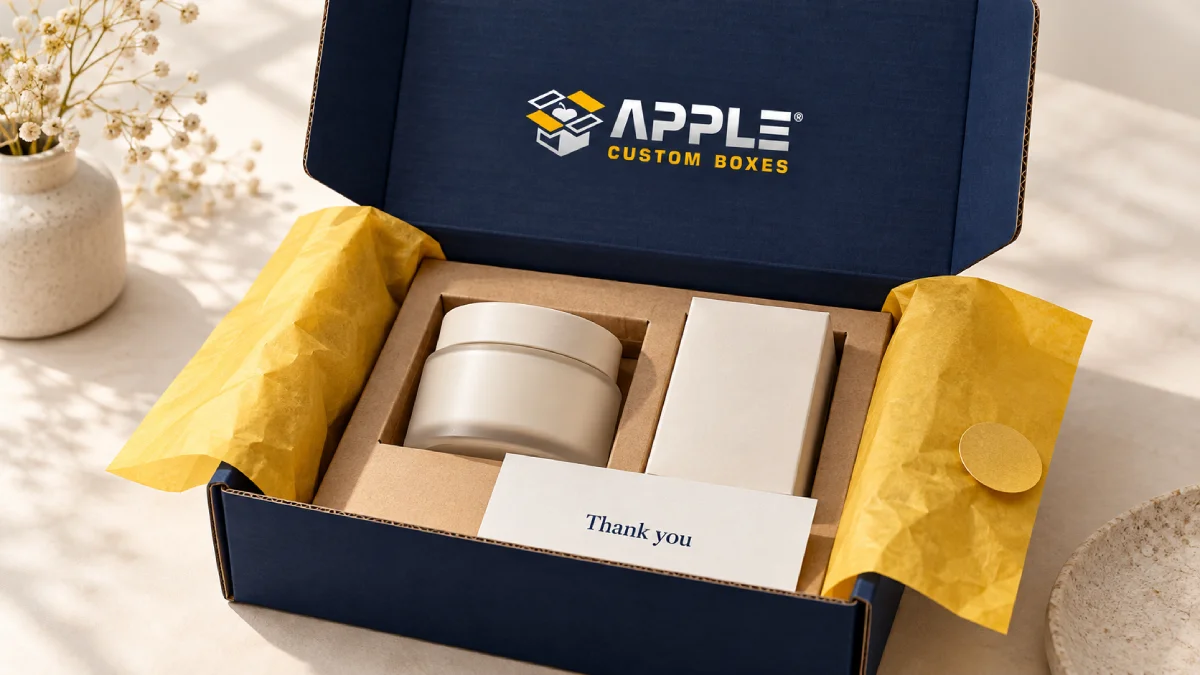
Choose an insert that earns its place. A thank-you card can carry a care tip on the back. A small guide can show how to use the product. A gift note can make a present feel personal without adding several separate cards.
Write like a real person. For example: “Thanks for choosing us. We hope you enjoy what is inside.” Keep discount offers secondary so the first message is about the order the customer just received.
7. Make sharing easy and optional
Put a short sharing invitation where it will not block the product. You could say: “Sharing your unboxing? We would love to see it.” Add your verified social handle so customers know which account to tag.
If you use a QR code, test the printed version and send people to a useful mobile page. Keep essential care instructions available without a scan. When filming your own example, hide shipping labels, addresses, and order details. Ask customers before reusing their photos.
8. Cut extras that add work or waste
Pack a sample and list what comes out of it. Does each piece protect, inform, or improve the reveal? Remove layers with no clear role. Loose glitter or confetti may look festive, but it also gives the customer more to clean up.
Check material details before printing disposal claims. The FTC Green Guides summary cautions against broad, unsupported claims such as “eco-friendly.” Any environmental claim should be specific and supported. Do not assume that every coating, insert, or wrap can go in the same recycling bin.
Unboxing packaging ideas for different products
Start with the job the package needs to do. These are design starting points, not tested specifications for your product.
| Product typeUseful packaging ideaDetail to check | ||
| Apparel | A neat fold, one tissue wrap, and a short care card | Can the customer remove and repack the garment easily? |
| Skincare or cosmetics | A fitted insert that keeps the set in order | Does the layout stay secure through a trial shipment? |
| Glass candles | Protection designed around the jar and its weight | Does the full pack protect the glass, not just hold it still? |
| Jewelry or small gifts | A compact presentation box with a secure insert | Can the customer lift the item out without damage? |
| Subscription boxes | A repeatable layout with a short contents card | Does it work when the mix of products changes? |
How much should you spend on the unboxing experience?
There is no useful budget that fits every product. Set a cost per packed order based on your margin, shipment needs, and order volume. Include the time it takes to assemble the package, not just the price of the empty box.
Total packing cost per order = box + insert or cushioning + wrap and cards + tape or labels + packing labor. Also compare any change in outbound shipping cost. Spread one-time setup costs across the quantity you expect to use.
For a simple planning example, an extra $0.40 per order across 500 orders adds $200 before any extra labor or shipping. This is illustrative math, not an Apple Custom Boxes price. Ask what that extra spend fixes or adds for your customer.
| ApproachStart withAdd only when it helps | ||
| Simple branded pack | A suitable box, secure packing, and one clear brand mark | A combined thank-you and care card |
| Custom printed mailer | Product-specific dimensions and a clean layout | Inside printing or an insert for a product set |
| Gift presentation | A presentation box suited to the gift | A special finish or closure with a clear purpose |
If you are still testing demand, keep the design flexible. Our guide to custom packaging for small businesses explains how product fit, order quantity, and print choices affect the next step.
Test the complete package before a larger order
Use the real product and every piece of packing material. A digital mockup can show the design, but it cannot show how a flap opens or whether an item moves in transit.
- Ask someone who has not seen the design to open it without help. Note where they pause or struggle.
- Time how long it takes to pack several orders. Check that the result is consistent.
- Record the opening on a phone in normal room light. Check the first view and logo readability.
- Run a trial shipment suited to your delivery route. Review movement, dents, scuffs, leaks, and damage.
- For fragile or high-value products, ask the supplier about suitable packaging tests. One successful parcel is not proof that every shipment will arrive safely.
After launch, record packaging complaints, damage reports, packing time, customer photos, and cost per order. Compare similar products and order periods. Treat social tags as a partial signal: many happy customers will never post, and private shares are hard to count.
Common mistakes to avoid
- Designing only for a photo. Check how the package arrives, opens, and closes again.
- Using a large box to look premium. Extra space needs a reason and may need more filler.
- Adding too many inserts. One useful card is easier to notice than a stack of promotions.
- Hiding the product under layers. Make the reveal easy to follow.
- Ignoring packing time. A design must work for the people filling orders each day.
- Expecting the box to create shares on its own. Product quality and the full customer experience still matter.
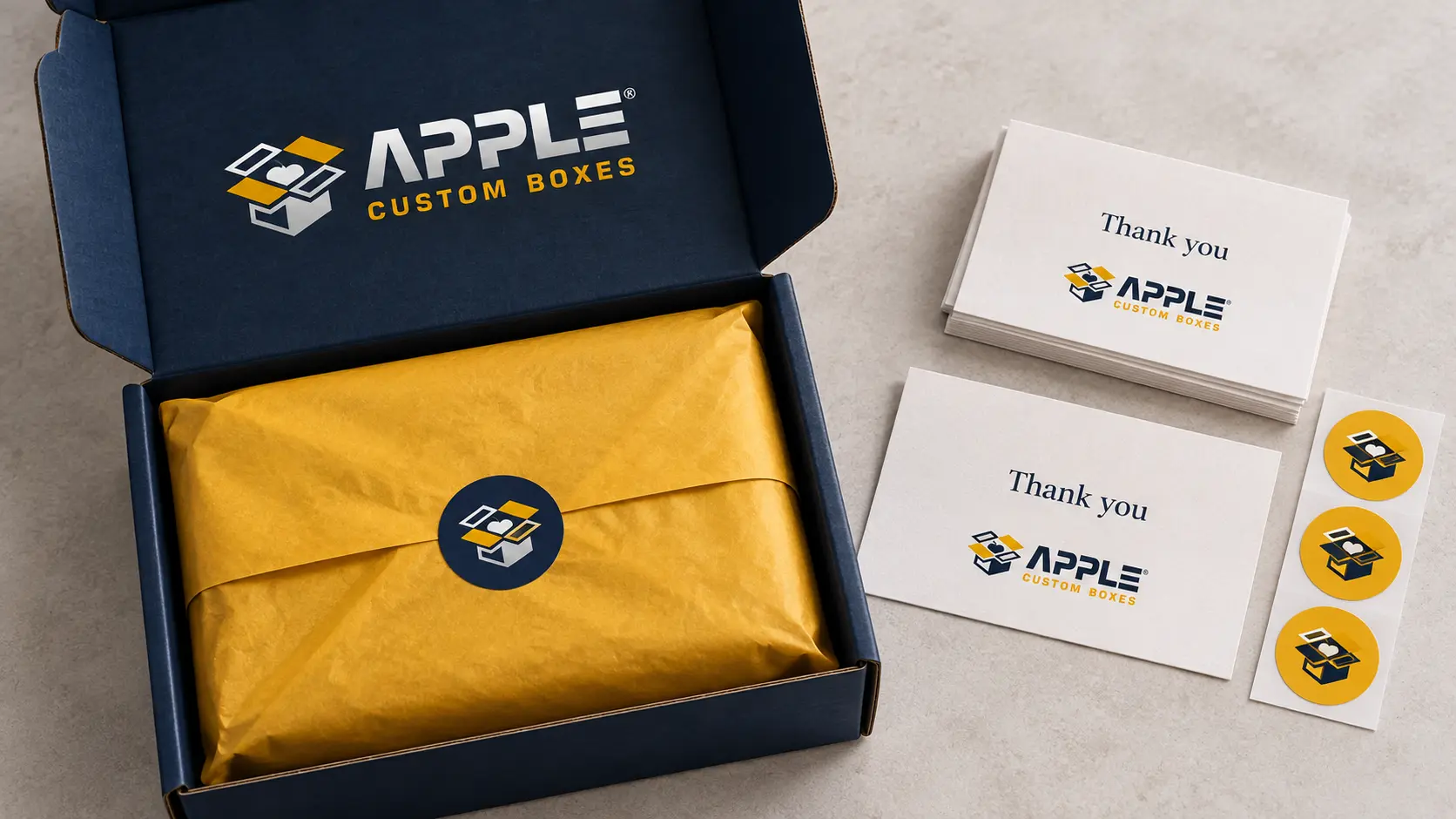
Plan your next unboxing experience with Apple Custom Boxes
A strong unboxing experience makes the order feel considered from the first lift of the lid. Begin with product protection, then add the brand details and useful touches your customer will notice.
Apple Custom Boxes offers custom mailer and rigid box options with choices for size, printing, and presentation. Share your product dimensions, weight, quantity, delivery ZIP code, and target date. Include any insert needs and the budget you want to work within.
Request a custom packaging quote to discuss a pack that suits your product and brand. Ask which proof or sample options will help you check it before production.
Frequently asked questions
What makes a good unboxing experience?
A good unboxing experience keeps the product safe, makes it easy to open, and presents it clearly. Consistent branding and one useful personal touch can make the order feel more thoughtful.
How can a small business improve unboxing on a budget?
Start with a box that fits, neat packing, and a clear logo or sticker. Use one card for both thanks and care tips. Test each extra against its cost and the time it adds to packing.
Do I need a custom printed box?
No. A suitable plain box with a branded seal and tidy contents can work well. Custom printing becomes more useful when you need a consistent look across regular orders or want to use the inside lid for a message.
What should go inside an unboxing package?
Include the product, the protection it needs, and any essential instructions. Add a thank-you or gift note if it suits the order. Avoid extras that get in the way or create unnecessary cleanup.
How do you encourage customers to share an unboxing?
Make the product easy to photograph, keep the brand visible, and add a short, optional invitation with your correct social handle. Sharing is a choice; a good package does not guarantee a post.
Does premium packaging always need foil or special finishes?
No. A clean layout, a good fit, and careful packing can create a polished result. Choose a special finish only when it suits the brand, product, and budget.
About Apple Custom Boxes
Apple Custom Boxes is a premier USA custom packaging manufacturer delivering high-quality custom printed boxes, mailers, product packaging, and wholesale boxes with free design support and fast turnaround.